
Loading…
The University of Montana 5th Annual ECE Summit
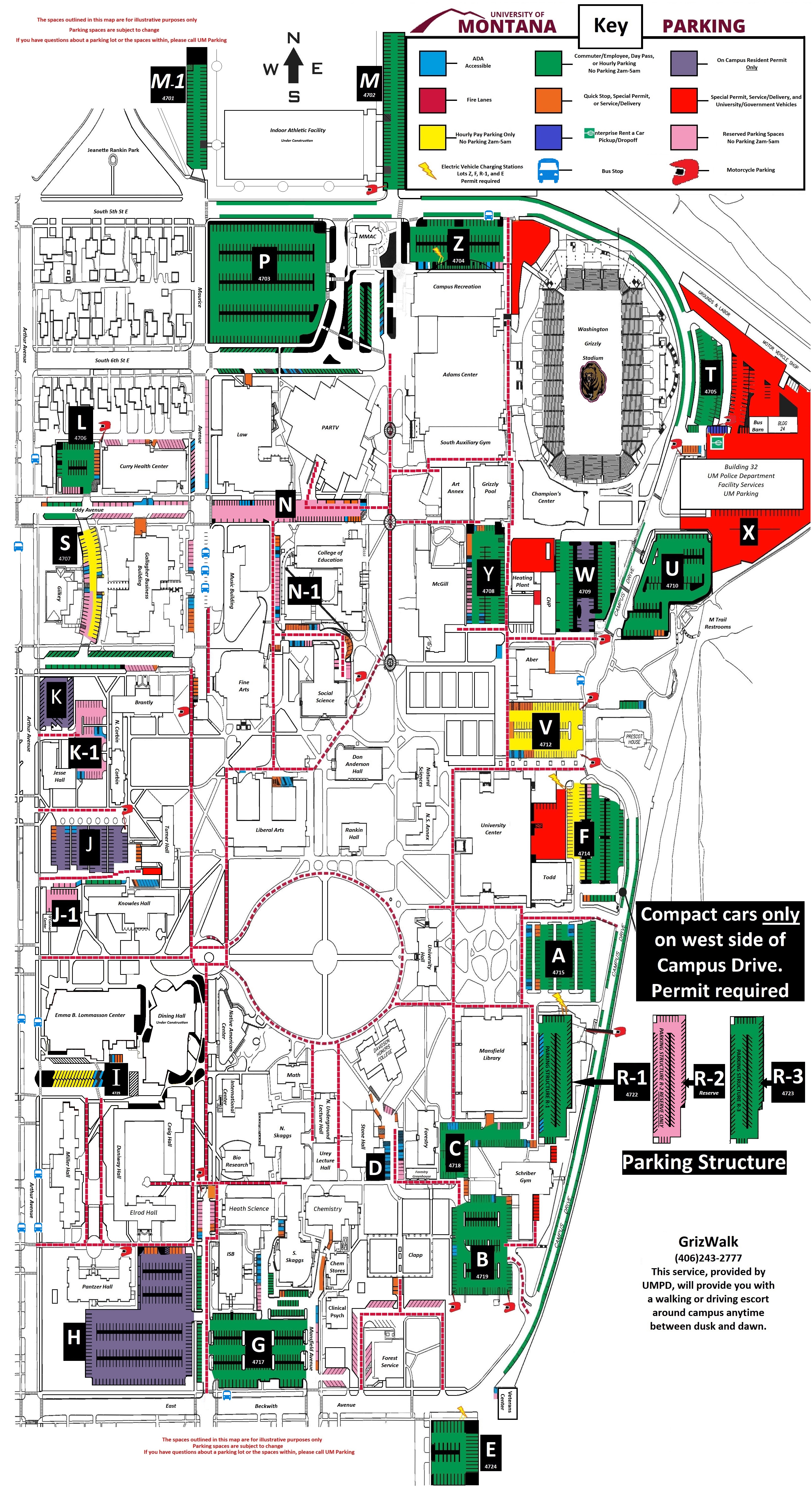
  • Parking for Thursday Evening: The Summit begins at 4:00. You can use the Adams Center parking lot (LOT P on the map). The Passport app system is available to pay for short-term parking. If you are arriving at 5:00 or later, parking on campus is Free.
  • 4/17 Friday Sessions: All Friday sessions will be held in the PJW College of Education, except for two held in adjacent buildings (signage will be displayed). Breakfast will begin at 8:00, and sessions will start promptly at 8:30. 
  • Parking for Friday Sessions: Parking for all Friday sessions is FREE by using the top floor of the campus parking garage. Signage will be displayed, and no permit or special tag is required. The FREE parking garage (on the top floor) is located behind the Mansfield Library. Use the link here to view the location of the R Parking Structure (just south of the University Center)
  • 4/18 Saturday Sessions: All Saturday sessions will take place in the PJW College of Education. Breakfast and registration will be available as early as 7:30 am. Sessions will begin at 8:15. Parking for Saturday Sessions: All parking is FREE. You may park anywhere on campus!
  • TravelFor those traveling from outside Missoula, book your hotel early! A limited number of discounted hotel rooms are available on a first-come, first-served basis at the Holiday Inn Missoula Downtown. You can use this link to book your rooms.Please use the code ECE or call the hotel at 406-721-8550 and mention the code and ECE 4th Annual Summit. 

Mobile

This event is available on your phone

  1. Download the Sched App from the App Store or Google Play
  2. Search within the Sched App to find your event:
    "The University of Montana 5th Annual ECE Summit"
  3. Sign up or Log in to access your event
Sched App mobile screen download App
1. Download App
Sched App mobile screen find event
2. Find Event
Sched App mobile screen register
3. Register

Calendar Sync for Google Calendar, Outlook & Apple Calendar

Subscribe in your calendar program to see this event alongside your meetings.
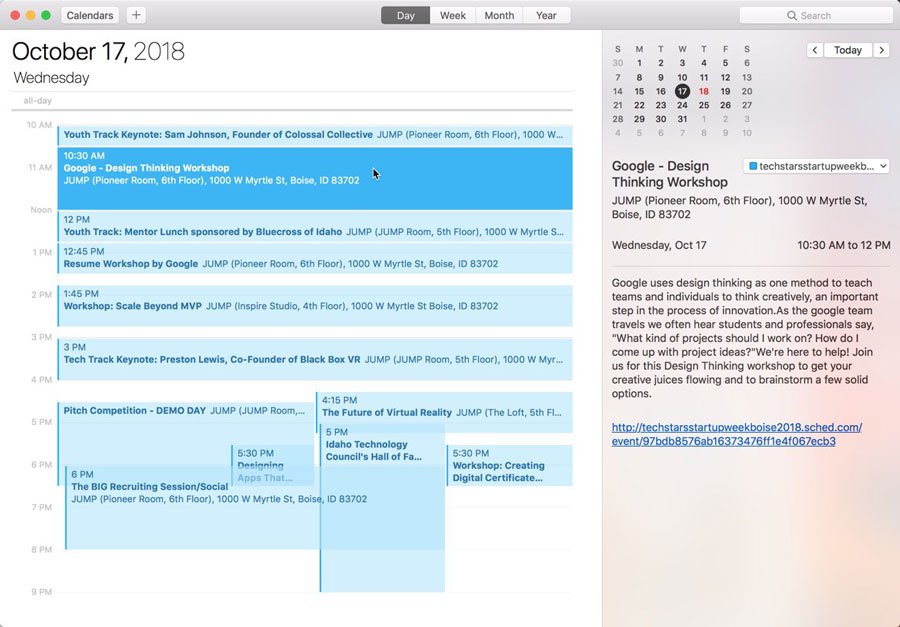
Apple Calendar
1. Click to open: Full Event Schedule
2. On next screen, set "Auto-refresh" to "Every hour" to ensure you get schedule changes.

Google Calendar
1. Click to open: Full Event Schedule
Note: Google will only update the feed once per day, which means you could miss out on last minute updates.

Microsoft Outlook
1. Click to open: Full Event Schedule
2. View instructions for Outlook.com or Outlook for Mac.

Export Calendar
This is a one-time export. You will not receive any updates to the schedule. If you expect the schedule to change, you should choose to one of the sync options above.
Full Event Schedule: https://ecesummit2027.sched.com/all.ics


Share Modal

Share this link via

Or copy link